The new Inventory Management module brings real-time stock tracking, product categories, and seamless work order integration — so parts are always where they need to be.
The Challenge
Most repair shops track parts with sticky notes, spreadsheets, or simply from memory. When something goes wrong, it's too late.
Built directly into evidencija POS — no integrations, no exports. Everything in one place.
Organize your spare parts into logical categories — screens, batteries, charging ports, accessories. Find what you need instantly, keep your catalog clean.
Every stock-in, stock-out and adjustment is logged with a full transaction history. Know exactly how many units you have — and how you got there.
When a part is added to a work order, inventory is automatically deducted. No double-entry, no forgotten updates — your stock reflects reality, always.
Inventory management that flows naturally with how your shop already works.
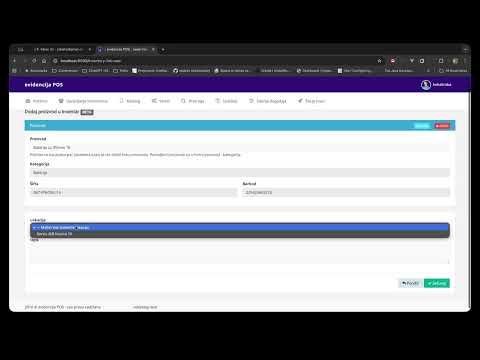
Create product entries — name, SKU, category. These become the items you can stock and consume across the platform.
Record incoming stock from your supplier. Every stock-in is logged with quantity, date, and location.
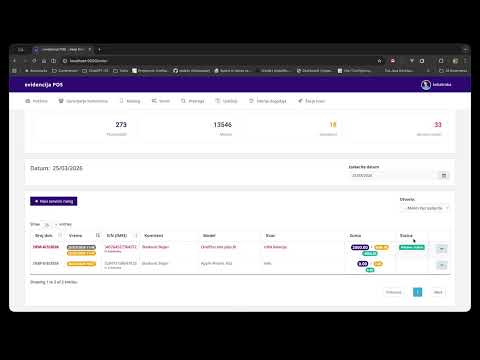
While creating or updating a work order, attach the parts used in the repair directly from your inventory catalog.
The moment a part is linked to a work order, the quantity is automatically deducted from stock. No manual action required — ever.
Get Early Access
Leave your email and we'll send you a personal invitation to try evidencija POS — including the brand-new Inventory Management module.
Categories, stock tracking, transactions
Automatic deductions on every repair
Access from anywhere, always up-to-date